Corporate Business Card Editable: A Designer's Practical Guide
That moment when a client asks for a "professional, clean business card, but make it quick" is something every designer knows. You need a foundation that looks sharp, edits without headaches, and prints without surprises. This is precisely the problem the Corporate Business Card Editable template solves. It’s not just a static design; it’s a fully structured Adobe Photoshop file built for real-world use. Think of it as a strategic starting point, not a finished product you can't touch. The layered setup means you can swap colors, adjust text, and rearrange elements without starting from zero, saving you hours on client projects or your own branding.
Anatomy of a Professional Business Card Template
Understanding what’s inside this template is key to using it effectively. At its core, it’s a print-ready design asset with all the technical boxes checked: 300 DPI resolution for crisp printing, CMYK color mode for accurate color reproduction, and the standard 3.5×2 inch dimension with a 0.25-inch bleed. The inclusion of die cut and trim marks is a subtle but crucial feature—it signals to your print shop exactly where to cut, eliminating guesswork and potential errors. This attention to technical detail is what separates a template that looks good on screen from one that actually works in your hand.
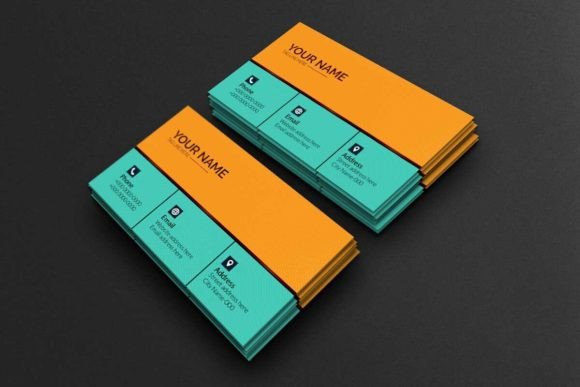
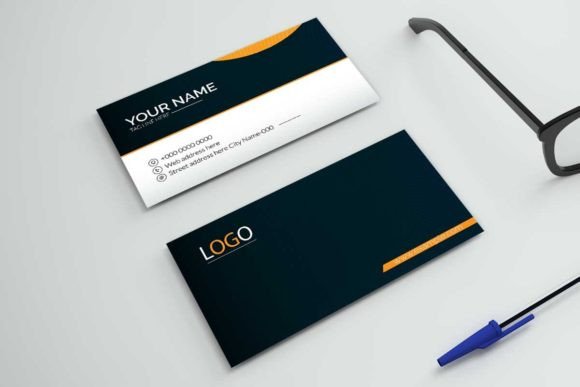
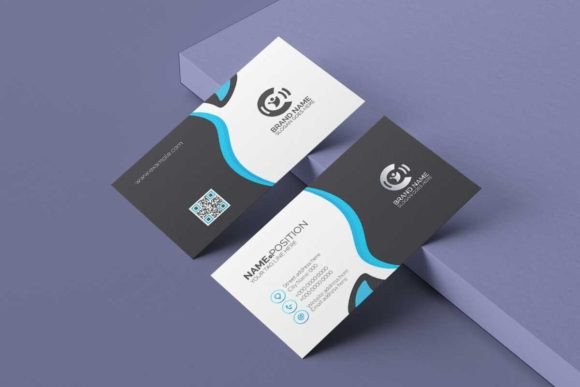
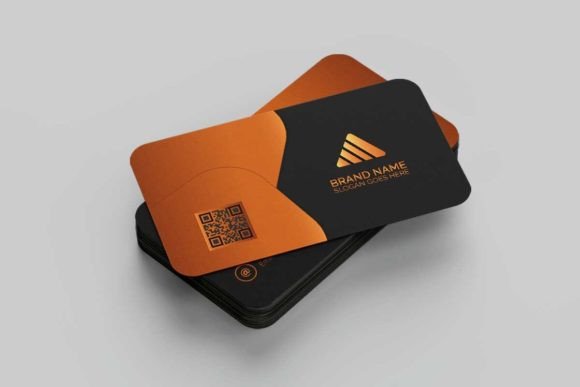
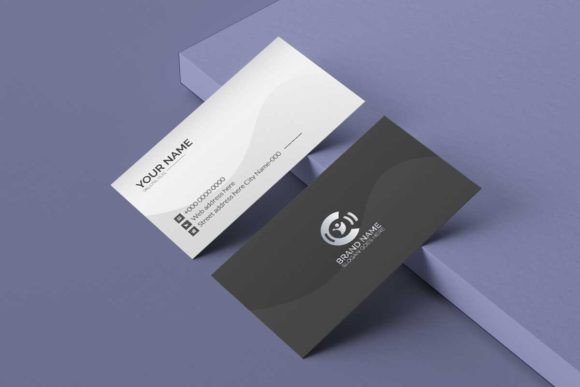
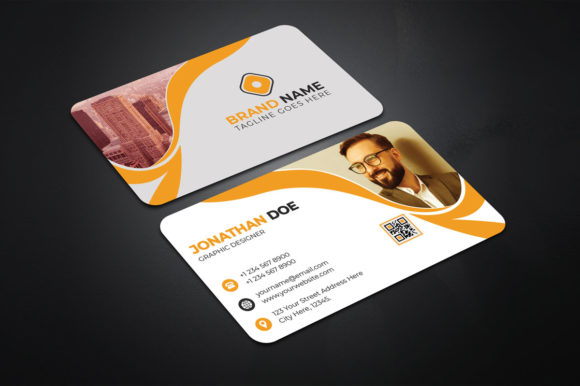
The visual personality of the Corporate Business Card Editable leans into modern professionalism. It typically features clean lines, ample white space, and a balanced layout that prioritizes clarity. The style avoids trendy flourishes in favor of timeless appeal, making it versatile for various industries—from tech startups to law firms. Its strength lies in its adaptability. The organized layer structure is its real superpower. Imagine separate layers for your logo, contact info, and decorative elements. Need to make the logo larger? Simply select that layer. Want to change the accent color? Find the color fill layer. This granular control is what makes it a genuinely easy to edit solution.
Where This Template Shines: Real-World Applications
This isn't just for printing a stack of cards. Its structured design makes it a useful tool across multiple projects. For entrepreneurs and small business owners, it’s a fast track to a credible brand identity. You can quickly mock up cards for a networking event or investor meeting. Graphic designers can use it as a reliable base for client work, customizing it to match brand guidelines while leveraging the pre-set technical specs. Marketers can create consistent collateral for trade shows, ensuring every physical touchpoint reinforces the brand.
Beyond the immediate use case, the template’s clean aesthetic works well for related print design projects. Think letterheads, appointment cards, or even minimalist packaging tags. The same principles of clarity and professionalism apply. For digital creators and bloggers, having a polished physical card bridges the online-offline gap. It’s a tangible representation of your digital presence. The template’s style also translates well to social media graphics or website headers if you extract the layout principles and color palette, creating a cohesive look across all platforms.
Making It Work for You: Practical Tips and Considerations
Choosing the right template is the first step; using it well is the next. Start by evaluating the font pairing included. The template often comes with a free font, but don’t be afraid to experiment. A strong sans serif font for contact information paired with a more distinctive serif font for your name can create excellent visual hierarchy. Test how the text reads at the actual print size—what looks great on a monitor might be too small on a card.
Consider the template’s visual hierarchy carefully. Your name or business name should be the most prominent element, followed by your title or tagline, then contact details. Use the layers to adjust sizing and spacing until the flow feels natural. For brand perception, color is critical. The CMYK mode ensures your chosen colors will print consistently. Stick to a limited palette—two or three colors—to maintain a clean, professional look. This consistency strengthens brand recognition every time someone pulls out your card.
Finally, remember the practicalities. The included help file with details instruction is your best friend. It will guide you on installing the free fonts link and navigating the Photoshop layers. Always proofread your information multiple times before sending it to print. A typo on a business card is a permanent mistake. By treating this Corporate Business Card Editable template as a flexible tool rather than a rigid design, you gain a powerful asset for building a professional presence, whether you’re launching a business, freelancing, or simply networking with confidence.